Tag: free

  • Fibonacci Birthday Party!

    Fibonacci Birthday Party!

    I’ve been preparing for months to have K8’s Fibonacci Birthday party. Last Saturday it happened.

    We did a lot of preparation.

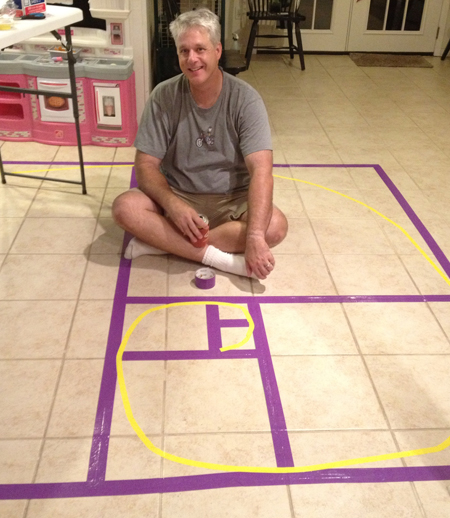
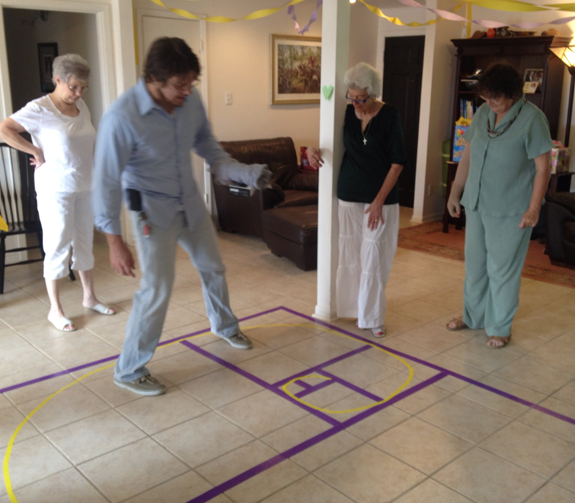
    Here is Judson creating the Fibonacci squares and spiral on our tile floor:
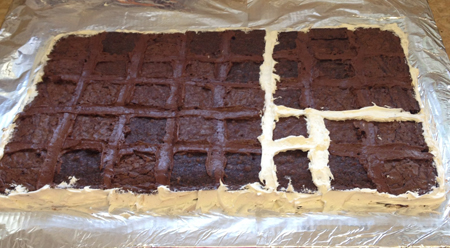
    Here is the birthday “cake” I made. It’s a Fibonacci Squares brownie cake!
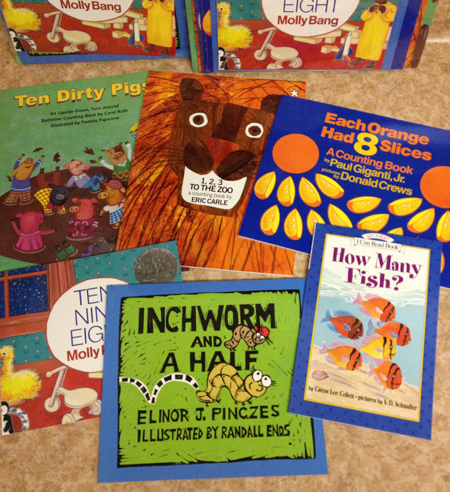
    I ordered these math picture books from Kaplan for the party favors. I put a sweet “thank you for coming to my party” sticker on the inside from K8:
    The set up was intricate.

    The spread included descriptions of how each thing was related to Fibonacci.
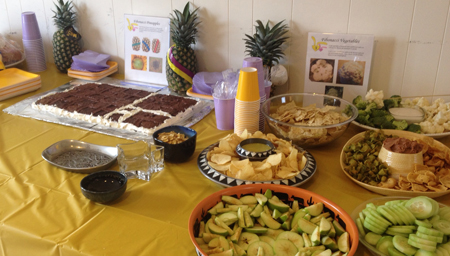
    Someone said, “I’ve never been to a grownup’s three year old birthday party before.” Indeed, there were lots of informational pieces.
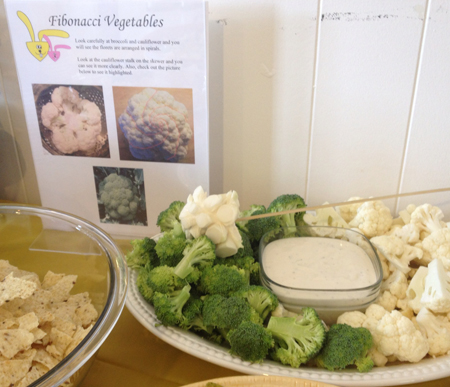
    We even had the Furry Fibonacci Bunnies out!
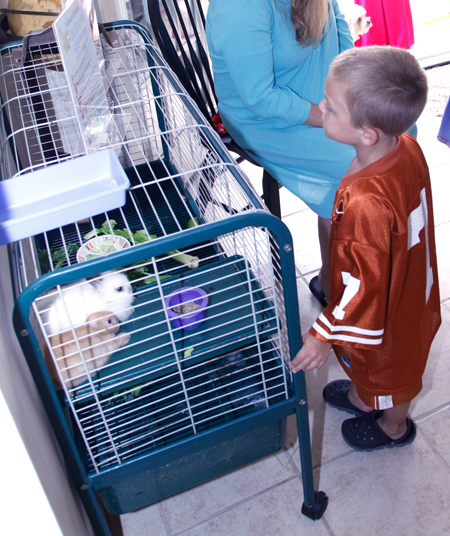
    And there were activities too!

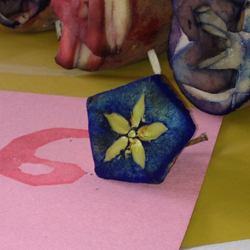
    My mom carved potato stamps with all the digits and I had apples cut open so the kids could stamp with them. There were also sea shells to glue on!
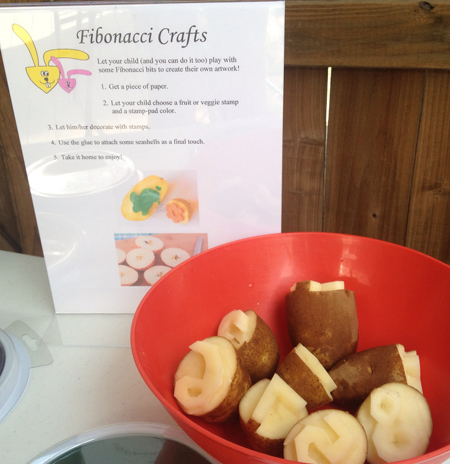
    We had glue and squares out for kids (and parents) to make their own Fibonacci Squares and Fibonacci Spiral.
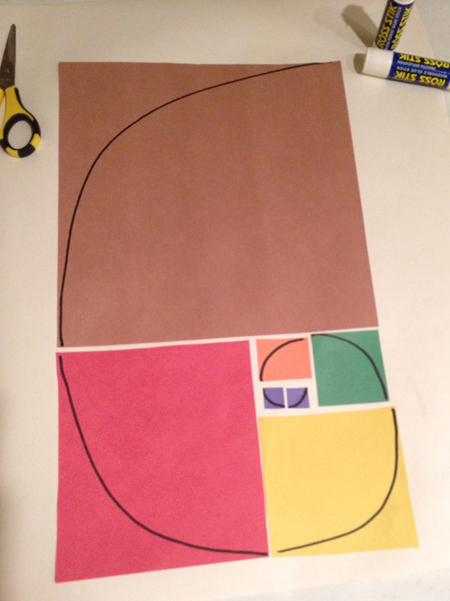
    Even the grownups had a “craft” to do!
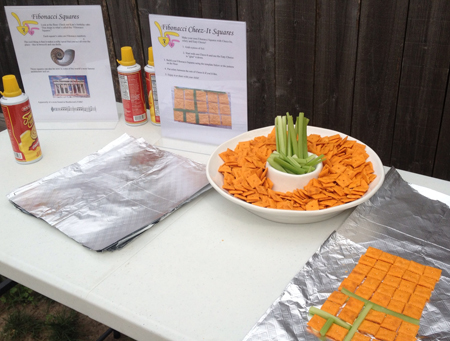
    Grownups AND kids had a great time!

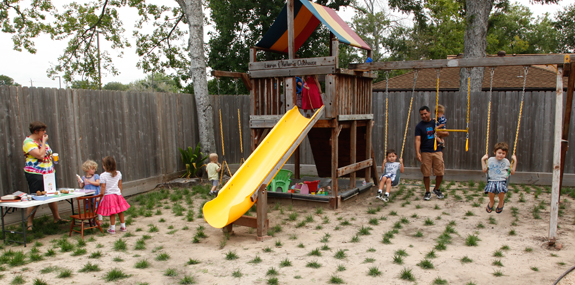
    I refrained from pointing out the pseudo Cartesian Coordinate plane created by my new grass.
    Here’s Wil explaining the Fibonacci Squares to my three moms.
    Math presents!

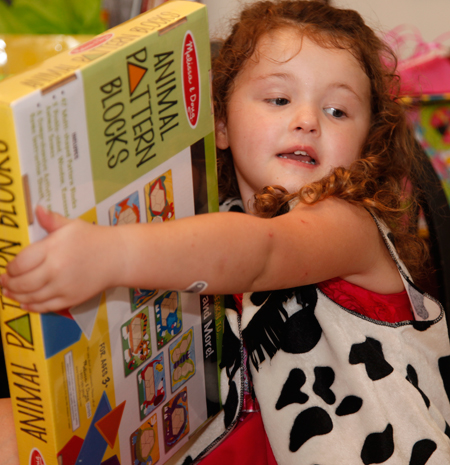
    How fun that K8 got some really neat math presents — like this animal pattern blocks from Melissa & Doug.
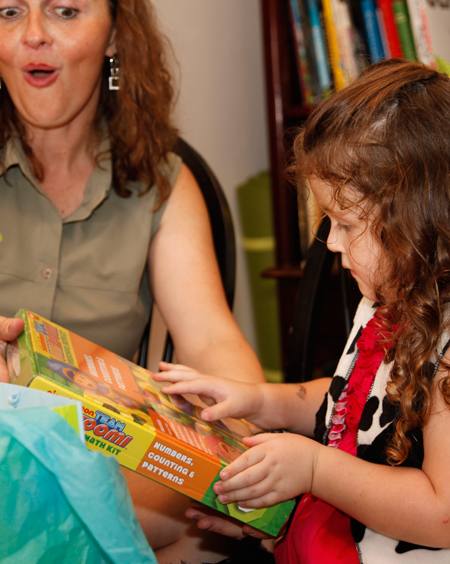
    And we were both excited about the UmiZoomi Preschool Math Kit!
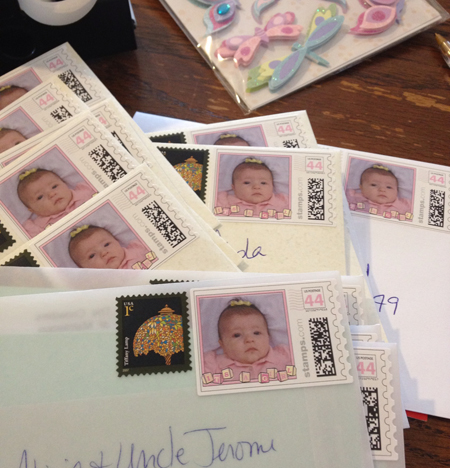
    Even the “Thank You” notes use math!

    I pulled out the stamps we ordered for K8’s announcements three years ago. Of course postage has gone up since then so we needed to add one!
    Do the activities with your kids!

    Here are some free downloadable printouts. Use them to play and learn more about Fibonacci.

    Share your thoughts in the comments or on twitter/x.

    Non-disclaimer: We paid for everything at this party. Kaplan gave me a nice discount for the books, though. Thanks, y’all!
    Bad-girl confession: Many of the images on the document stands were stolen from various online sources. Since I was using them for personal use, I neglected to give anyone credit. The downloadable documents shared above have legal images, though.
    You might also like:
  • Factoring Polynomials  — FREE Worksheet

    Factoring Polynomials — FREE Worksheet

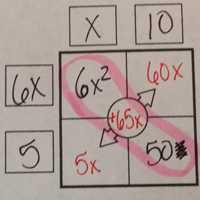
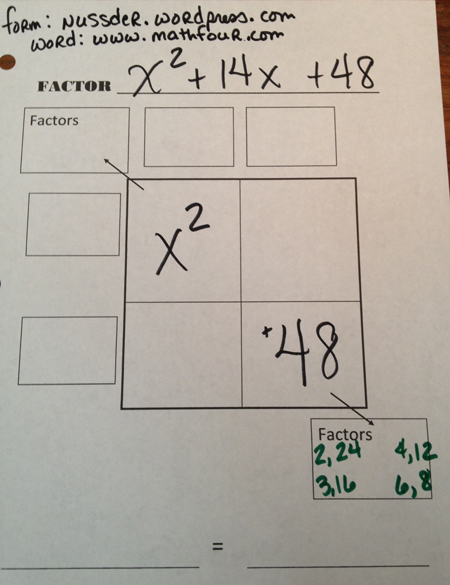
    In factoring polynomials it’s sometimes handy to break up the work graphically. Lisa Nuss, a member of Sam Shah’s New Blogger Initiation, shared a handy graphic organizer last week.

    I struggle with factoring polynomials, myself, so I wanted to give it a try.

    It started out easy.

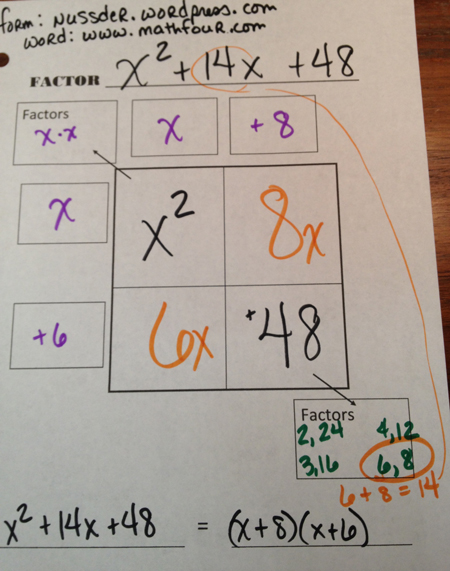
    I started factoring polynomials with 1 as the leading coefficient (i.e. x2 has no messy number in front of it).

    I factored:

    \(x^2 + 14x + 48\)

    First, I put the first and last terms in the boxes. (Note that this graphic organizer works the same way as a multiplication table.)

    Then I factored those two in the given “factors” boxes. I determined which factors of 48 would add up to 14, and filled in the chart appropriately.

    I was done with that factorization.

    Yay me!

    Then I got into harder stuff.

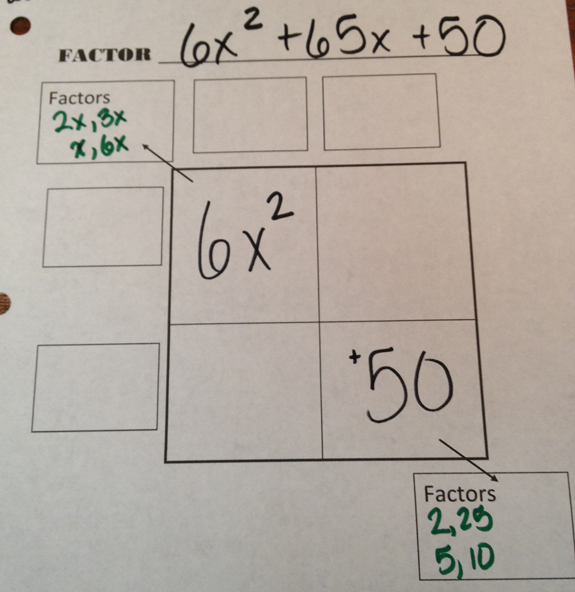
    Lisa put in an extra “Factors” box to handle non-unit leading coefficients. So I went for a big dog:

    \(6x^2 + 65x + 50\)

    Here’s how far I got before the breaks squealed:

    Factoring polynomials like this one shouldn’t be too much of a problem. Especially if you use a page protector and a dry erase pen to do the trial and error work, as Lisa suggested.

    But I don’t have such fancy technology.

    And I don’t like to erase my work. I want to see everything I’ve tried. For me, it’s very likely that I make a mistake and have to go back. And it’s a real pain to have to re-create everything.

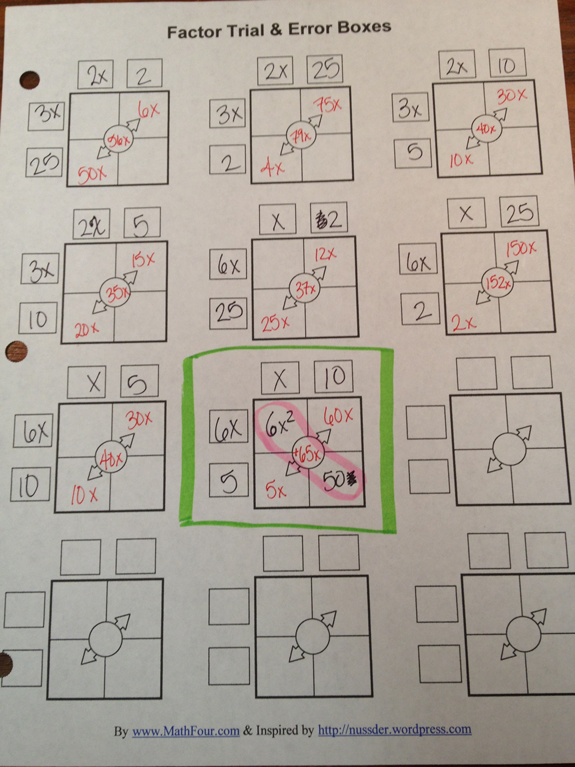
    So instead of playing trial and error with the one big sheet of paper, I created a Factor Trial & Error Boxes worksheet (or in Lisa’s terminology: a graphic organizer).

    Here’s what my work looked like:

    (It was a coincidence that the right answer was last, by the way.)

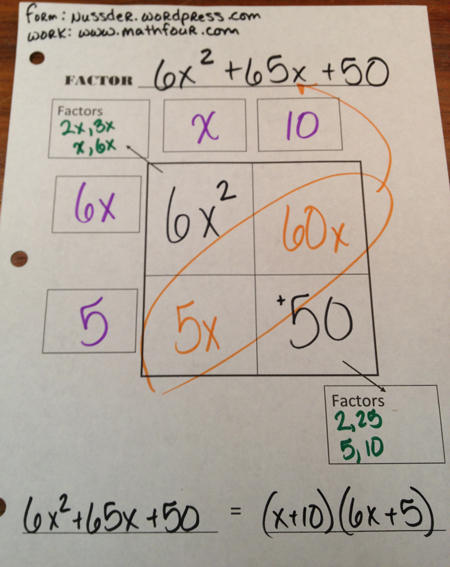
    With that info, I could go back to my big graphic organizer and finish the problem.

    This was very pleasing. I was able to use Lisa’s graphic organizer and mine to make sure I didn’t lose any options in my my trial & error.

    Will it work for you and your kids? Download the Factor Trial & Error Boxes worksheet now and give it a shot!

    Share your thoughts in the comments or on twitter/x.

    You might also like: