
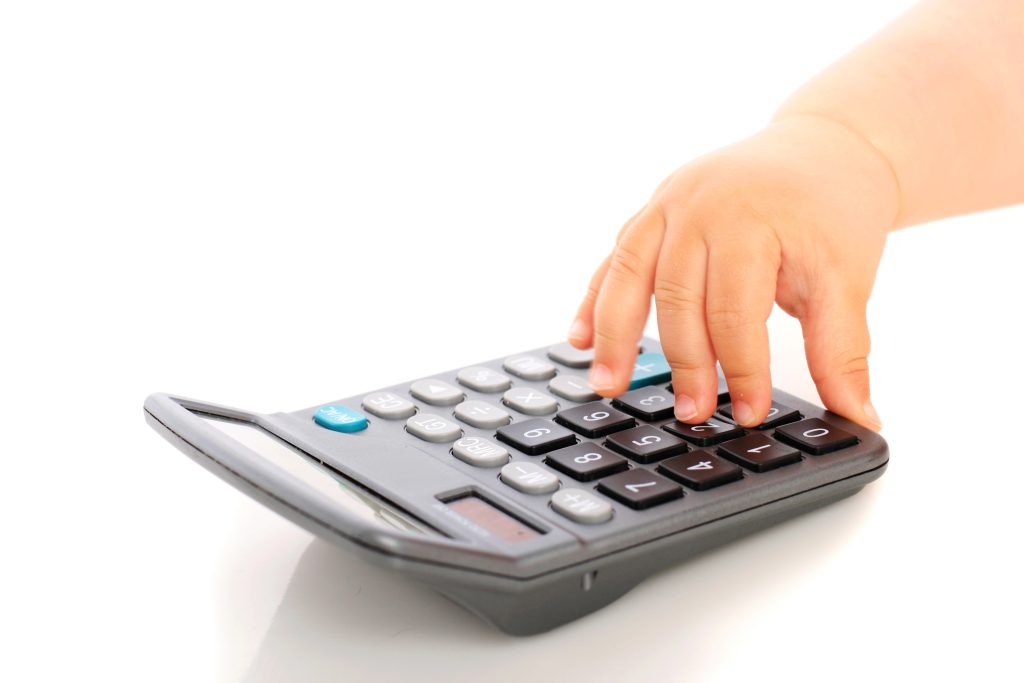
When we teach kids how to drive, we give them a few months in the classroom so they can learn the basics of driving and the rules of the road. Nobody in their right mind puts a teenager behind the wheel and says, while flying down the road, “Now, the brake pedal is the one on the left.”
Not only is it safer, but it makes more sense to teach them outside of the car first. After they pass a competency test then they’re allowed to use the technology (car).
We drop a calculator into the hands of teenagers and ask them to learn math at the same time. There isn’t a safety factor here, but the principle is the same.
There’s a different challenge in learning which buttons to press than learning the reasons behind why you press those buttons. We bring technology into the classroom thinking we’re in service of the children, and instead do them a disservice. We double the concepts and think that one is helping the other. It isn’t.
Begin by teaching user’s manuals.
The use of a calculator, a program or web-based application can be easily taught by teaching children how to read a user’s manual or follow instructions. It’s a device, a tool.
Before they start up their new John Deere riding lawnmower, they should read the user’s manual. Likewise, before they turn on their Hewlett-Packard 32sII, they should bend the spine of its little book.
Math classes and home schools can incorporate user’s manual reading in their curriculum. It will prepare students to learn and understand technology, including calculators and applications.
Introduce the calculator after they have mastered the concept.
Teaching children to do math through calculator use can destroy their sense of confidence in doing it themselves and also make them uncomfortable with the tool. Allow them to fully understand an entire concept in mathematics before giving them technology.
If you want them to learn to graph on a calculator, make sure they can do it with pencil and paper first. Allow a few years between the initial introduction of a concept and learning to make it work on a calculator. This should provide ample time for them to practice it and build their confidence that they can do it without the crutch.
When they are ready, give them the user’s manual to the calculator. Have them do problems by hand on one side of their paper. Have them write the page numbers from the user’s manual and keystrokes for the calculator in a column next to it.
When they have completed this, let them confirm their keystrokes are correct by doing it in the tool. This reinforces the connection between what they have learned, and can do on paper, with what’s being done in the machine.
Do you give your kids a calculator to learn on? Will you continue to do so? Share your thoughts and ideas in the comments.

Leave a Reply